

Direct Messages
Talk with clients and colleagues in organized conversations.

Message clients, share files, and start voice or video calls without leaving Jurvexis.
Updates spread across texts, personal email, and voicemail are hard to find later. Jurvexis gives you and your client one shared place to talk.

Important answers sit in someone's personal phone.

A client message arrives where nobody on the team is looking.
Use the right format for each conversation.
Talk with clients and colleagues in organized conversations.

Start a call from the conversation you already have open.

Record a quick explanation when typing would take too long.

Send documents and images within the conversation.

See when a client is active and pick a good time to reach them.
Give clients one simple way to reach your team.
Give the client access to their portal.
Start a conversation from Messages.
Attach the file or record a voice note.
Move to voice or video when you need to talk.

Clients message your team from the same portal where they see their case, dates, and documents. They know where to ask, and your team knows where to look.
Clear communication without another app to manage.

Clients message you where they follow their case.

Find the files exchanged in a conversation.

Keep your list focused on the matters that are active.

See recent client messages when you start your day.
Move from scattered messages to one clear conversation.
Guides and articles to help your firm get more from Secure Messaging in Jurvexis.
3 resources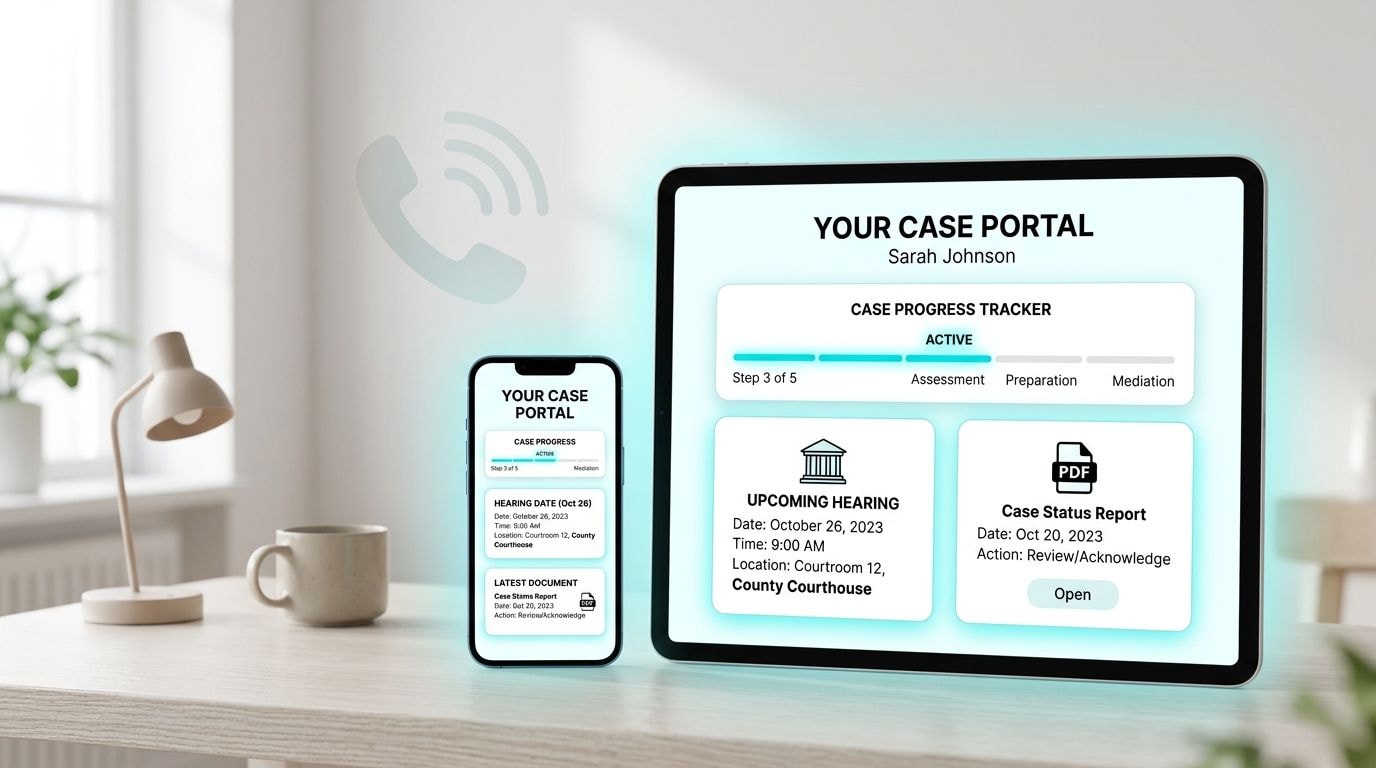
Clients call for updates when they can't see what's happening. Here's how a client portal gives them answers before they have to ask.

Turn initial inquiries into retained cases with faster intake forms, automated status notifications, and a transparent client portal experience.
Build a consistent client journey from intake through closeout, with practical scripts, ownership maps, and service standards.
Straight answers before you start your trial.
Clients sign in to their Jurvexis portal and open Messages. They do not need a separate chat app.
Yes. Start a voice or video call from the conversation.
Yes. Attachments and voice notes can be sent within the conversation.
Client data is encrypted and access is controlled by role, so team members only see the matters and documents they are permitted to see. Clients only see what you choose to share in their portal.
Yes. In the client portal, clients see case progress, upcoming dates, shared documents, and invoices, and they can message your team securely. Your internal notes and work stay private.

Keep every client conversation close, wherever the day takes you.